

Appearance
Mini Games
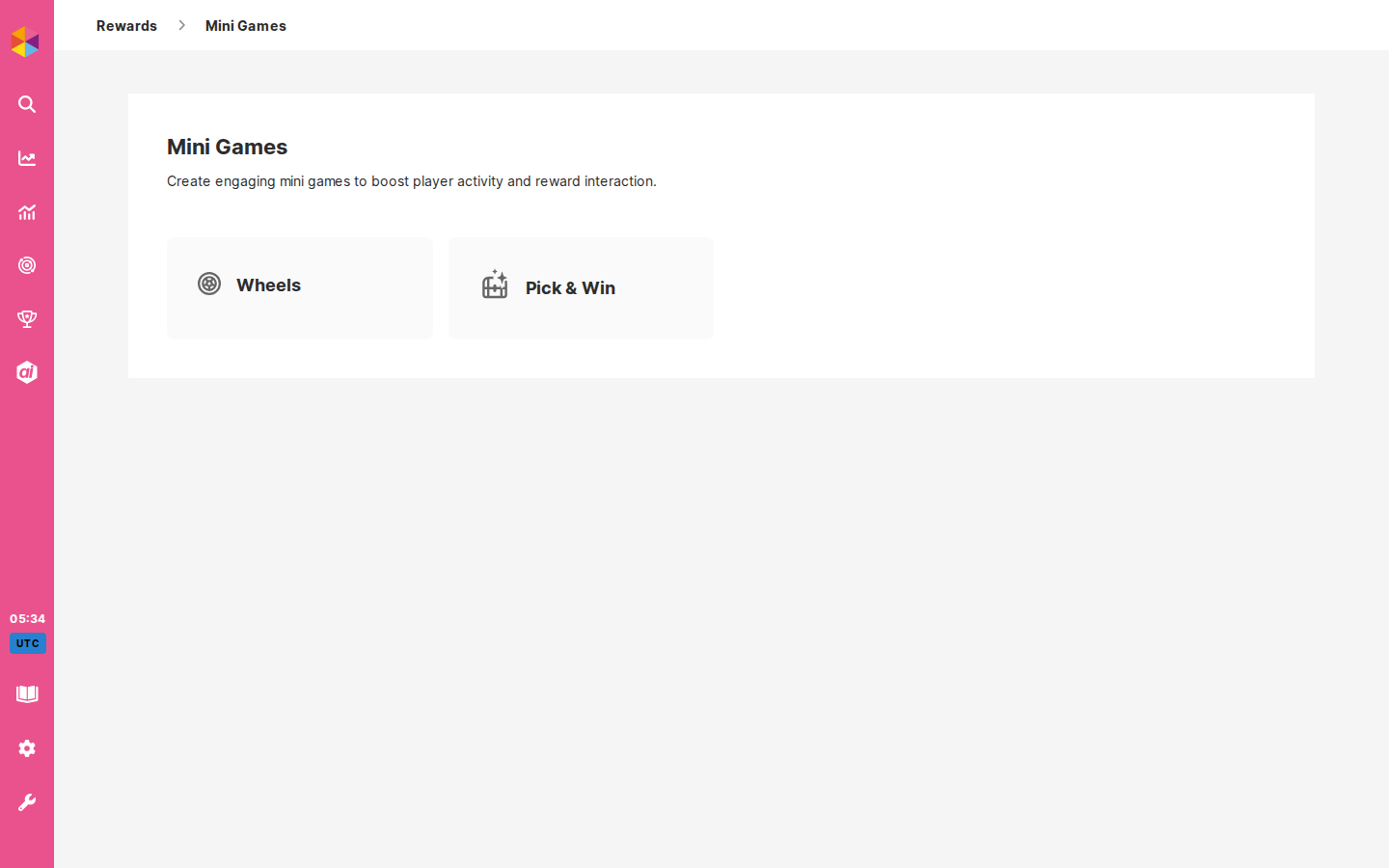
Mini Games let you hand a player a moment of play — a wheel to spin, a box to open — and pay out a real bonus at the end of it.
This guide is written for CRM and campaign managers. It covers building a game, setting its odds, getting plays into players' hands, and running it once it is live. Everything described here lives under Rewards → Mini Games.
What a Mini Game is
A Mini Game is a small, self-contained game of chance that sits inside your player-facing Rewards experience. The player is given a token — one token is one play — and spends it on a single spin or a single pick. The game lands on a position, and what that position pays out is a bonus you already run in Rewards.
Three ideas do most of the work, and everything else follows from them:
- The game is a reusable board. You build it once — the positions, the odds, the artwork — and it stays live across many campaigns.
- The token is a single play, held by one player. Tokens can expire, and there are three different ways to issue them.
- The prize is an ordinary Rewards bonus. A Mini Game never invents a reward of its own; every winning position points at a bonus you have already created.
That last point is the one people miss most often. Build your prize bonuses first. You cannot save a game until every position has something attached to it, and the only things you can attach are existing bonuses — or an explicit No win.
The naming, once, properly
The same feature is called several things on different screens, which makes searching frustrating. It is worth five minutes now.
| What you see | What it means |
|---|---|
| Mini Games | The umbrella. Covers both game types. This is the menu entry and the hub page. |
| Wheels | The list of Wheel games in the Mini Games hub. It is also the name of one specific game type. |
| Wheel / Pick & Win | The two game types. |
| Mini Game | The bonus type that hands out tokens, and the value you choose in the CRM's Reward Type field. |
Where "Wheel" still shows up
In the CRM's Credit Reward action, the Reward Type field says Mini Game. Underneath it, the Bonus field is a picker that groups bonuses by their raw underlying type, and that group heading still reads Wheel — even for Pick & Win bonuses, which sit in the same group. Both labels are correct on the same screen. In the newer bonus picker the group becomes a Mini-Games category instead.
The permission codes are the other survivor: they are Rewards:Wheels:View, :Create and :Edit, and they cover both game types.
The two games
Two game types ship: Wheel and Pick & Win. They share a prize model, a token model and a reporting model. What differs is the interaction and how much of the look and sound you control.
| Wheel | Pick & Win | |
|---|---|---|
| How it plays | The player spins the wheel and it decelerates onto a position | A board of closed boxes. The player picks one, it opens, and the prize inside is revealed |
| Positions | 2 minimum, no maximum | 1 minimum, 9 maximum |
| Artwork | One flat wheel image plus a pointer | Background, box states (closed and open), and ready-made themes |
| Sounds | Fixed, with a brand-level mute | Background music, win and no-win sounds are all replaceable |
| Losing copy | Comes from your branding | A field on the game itself |
Pick & Win gives you far more control over the look and sound; the Wheel is the more familiar format and takes less to set up. Both draw from the same prize model and are awarded by the same bonus type, so you can run them side by side and swap between them without rebuilding your campaign.
How a play reaches a player
A game on its own does nothing. Nobody can play it until a token lands on a player's account, and there are three routes for that. This is the chain that trips people up, because it has more links than it looks like it should.
| Who | Step | |
|---|---|---|
| 1 | You, in Rewards | Create the prize bonuses. Free spins, bonus funds, virtual currency — whatever the game can pay out. These must exist before the game can be saved. |
| 2 | You, in Rewards | Build the Mini Game. Set the positions, attach a prize to each, make the probabilities total 100%, and design the look. |
| 3 | You, in Rewards or the CRM | Choose how tokens are issued. Either a Mini Game bonus awarded by a Credit Reward action, or the Credit Mini Game action, which issues tokens directly. |
| 4 | System | The campaign fires. With the direct action, the tokens exist from this moment. With the bonus route, the player has a bonus to claim. |
| 5 | Player | Claims the bonus, if there is one to claim. A non-auto-claim Mini Game bonus produces its tokens at claim, so a player who never claims never gets a play. An auto-claim bonus produces them the instant it is credited. |
| 6 | Player | Plays the game. The token is spent. The result is settled the moment they commit; the spin or the box-opening is presentation. |
| 7 | Player | Receives the prize. A winning position credits its bonus. Depending on that bonus's own settings, the player claims it or it is claimed automatically. |
Which route to pick, and what each one does to your liability, is on Giving players plays.
The most common launch failure
A campaign that sends the message but forgets the reward action. Players are told they have a spin waiting, and they do not. Always confirm the action is attached to the activity before scheduling it — and if you used the bonus route, remember the token does not exist until the player claims.
Before you start
Check these three things, in this order. Each one blocks the next.
- You have the right permissions. Building games and managing players' tokens are separate permissions. If you can see games but not create them, that is your role, not a fault. See Reference and troubleshooting, or Before you start for the wider prerequisites.
- Your prize bonuses exist. Go to Rewards → Bonuses and create them first. A game cannot be saved with an empty position.
- You know which market the game is for. Presentation is set per origin and communication profile, and the fallback rules have a trap in them. Read Variations by market before you build a game for more than one market.
Once those are true, Rewards → Mini Games gives you two tiles: Wheels and Pick & Win.
Where to next
| If you want to | Read |
|---|---|
| Understand odds before you build | Prizes and odds |
| Build a wheel | Building a Wheel |
| Build a box game | Building a Pick & Win |
| Show a game differently per market | Variations by market |
| Get plays into players' hands | Giving players plays |
| Know what the player experiences | What the player sees |
| Find or expire outstanding plays | Player tokens |
| Change or retire a live game | Running a live game |
| Look up a limit or fix a problem | Reference and troubleshooting |